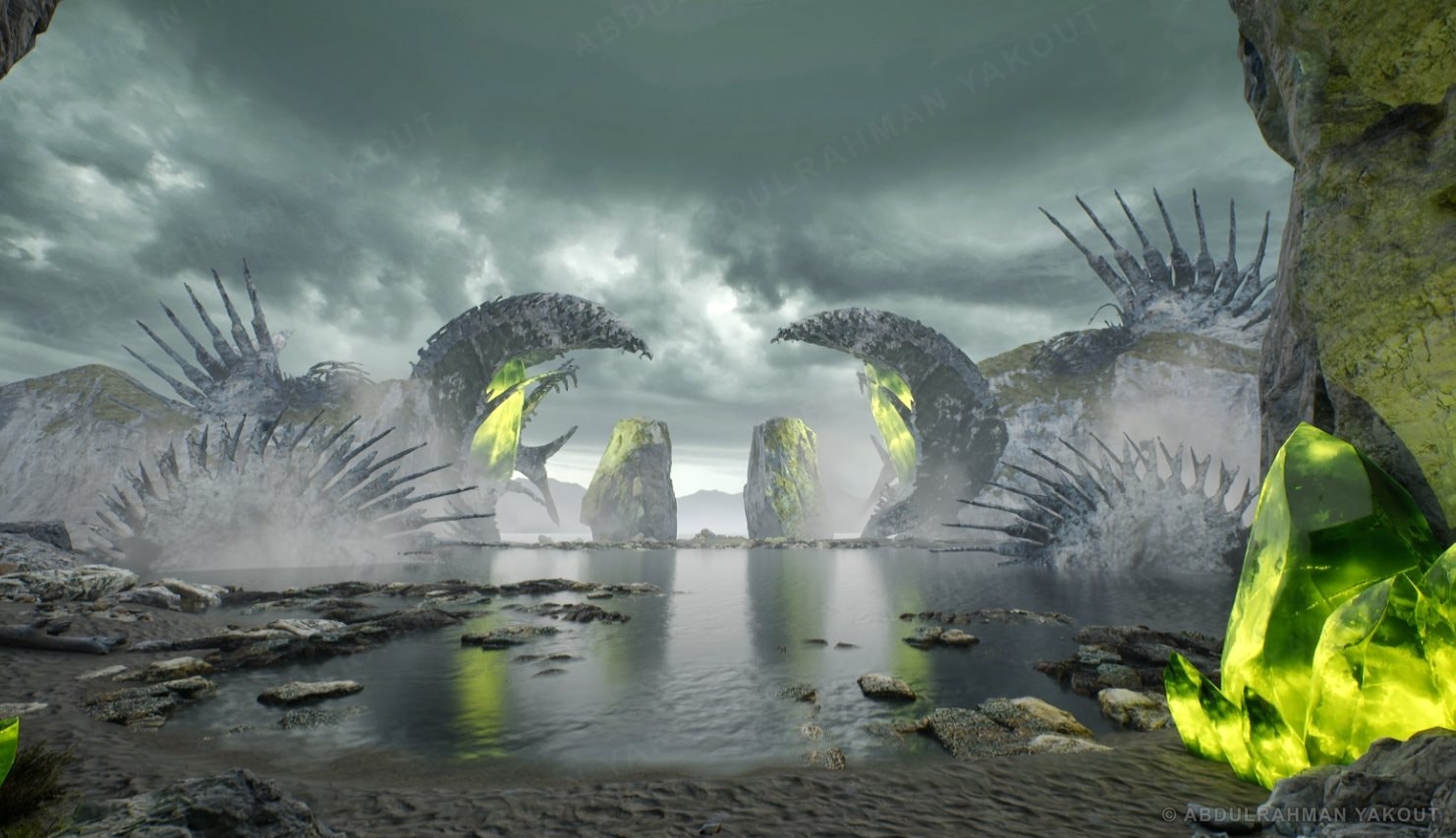
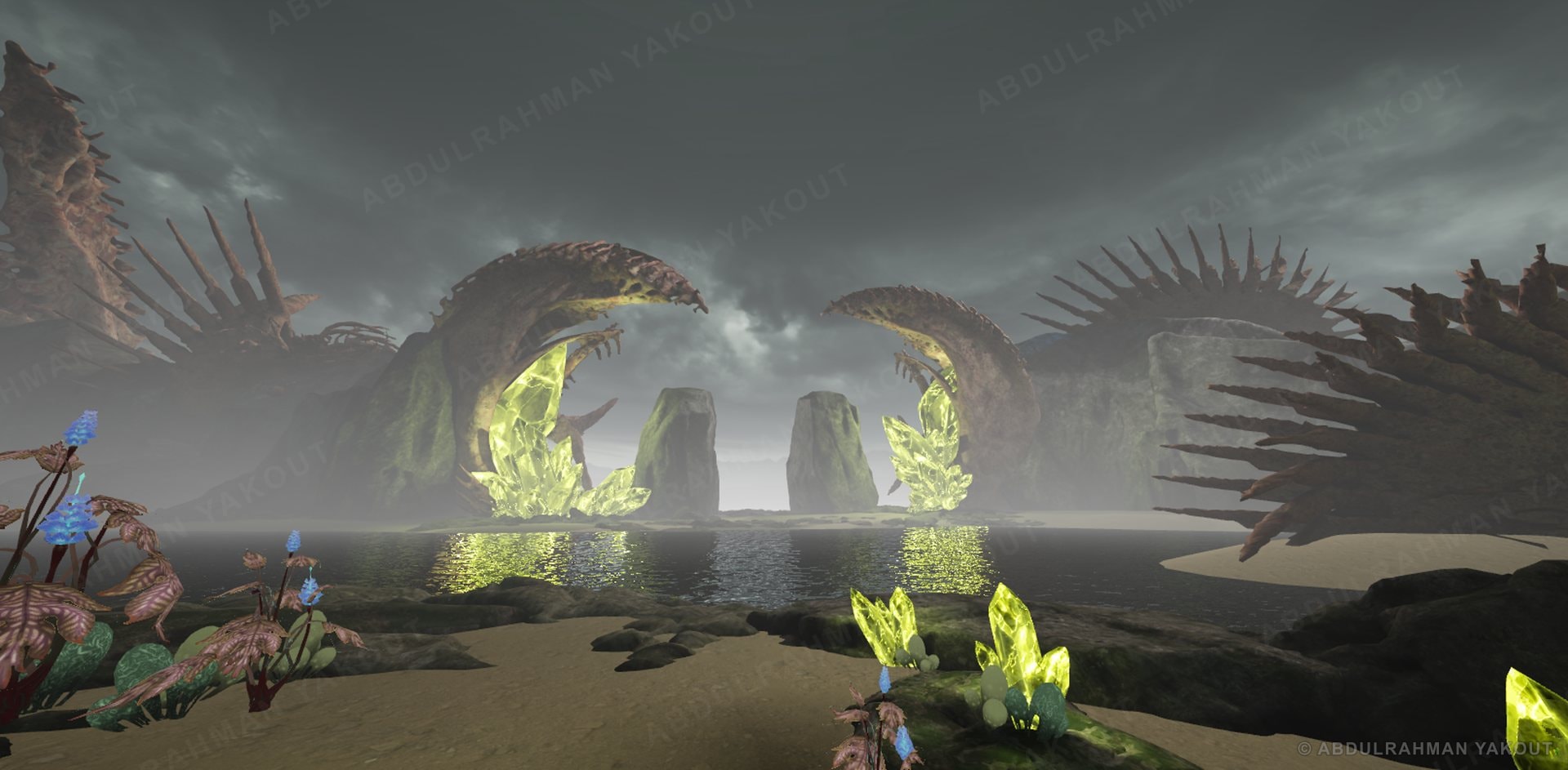
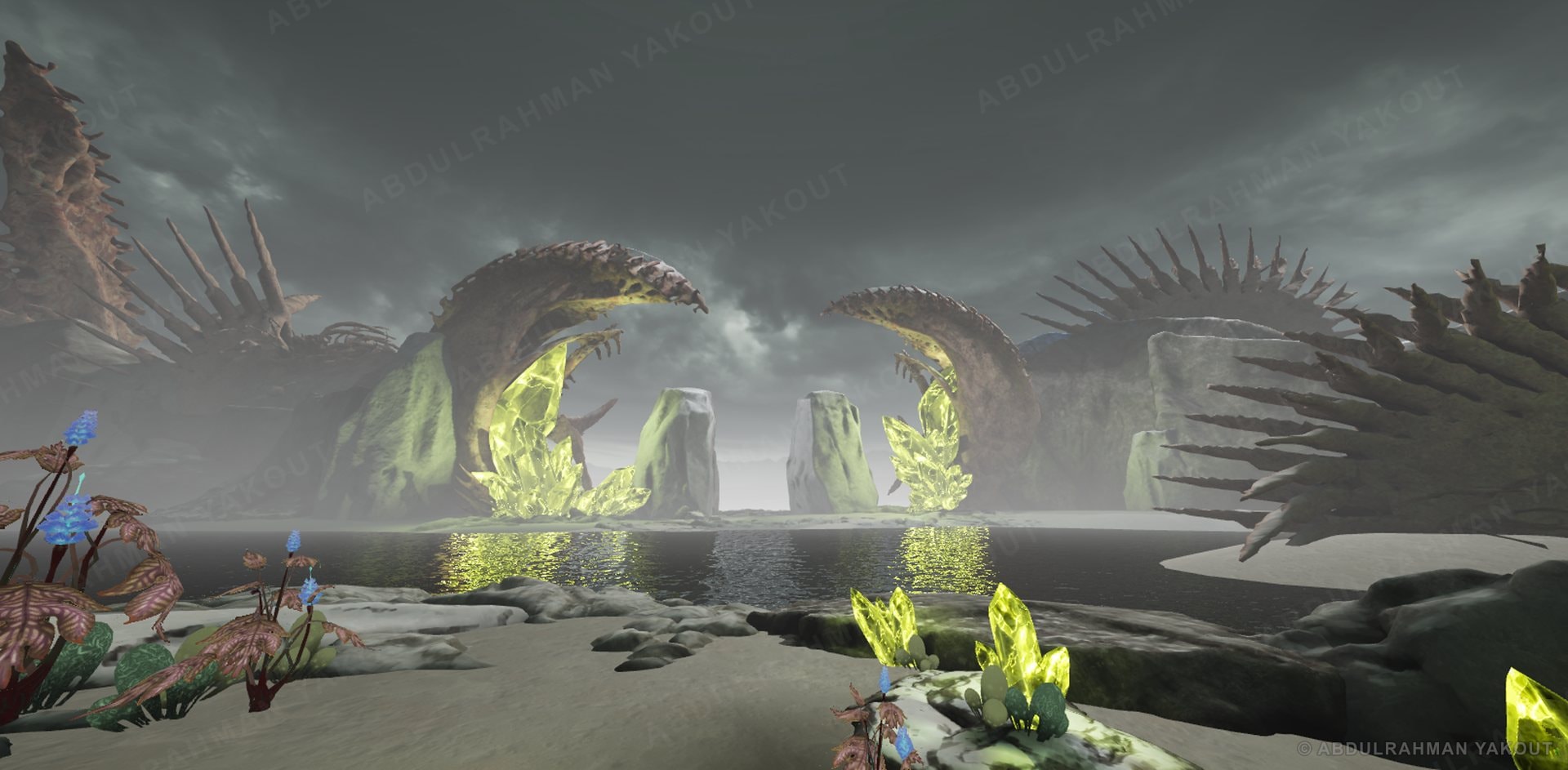
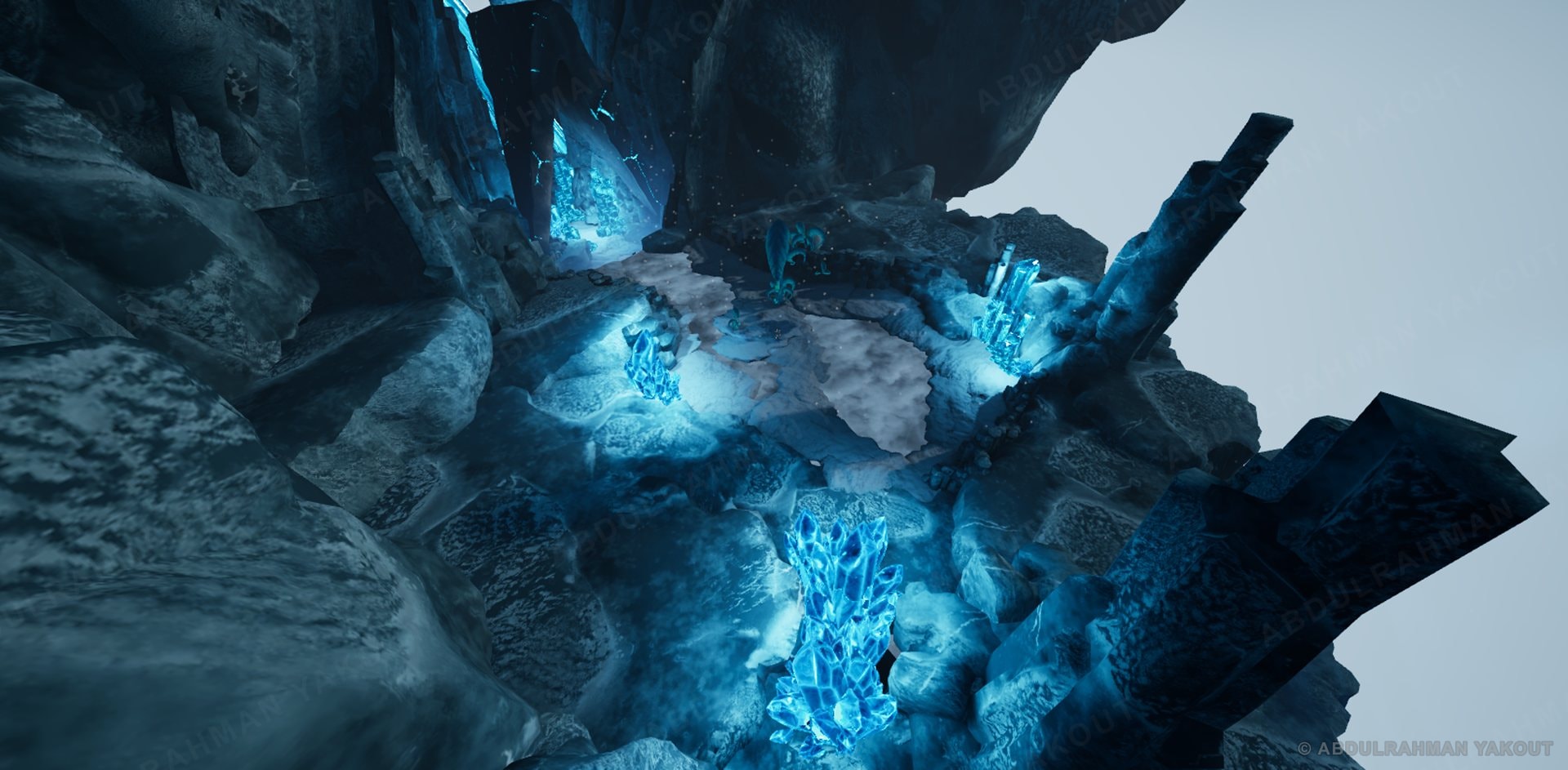
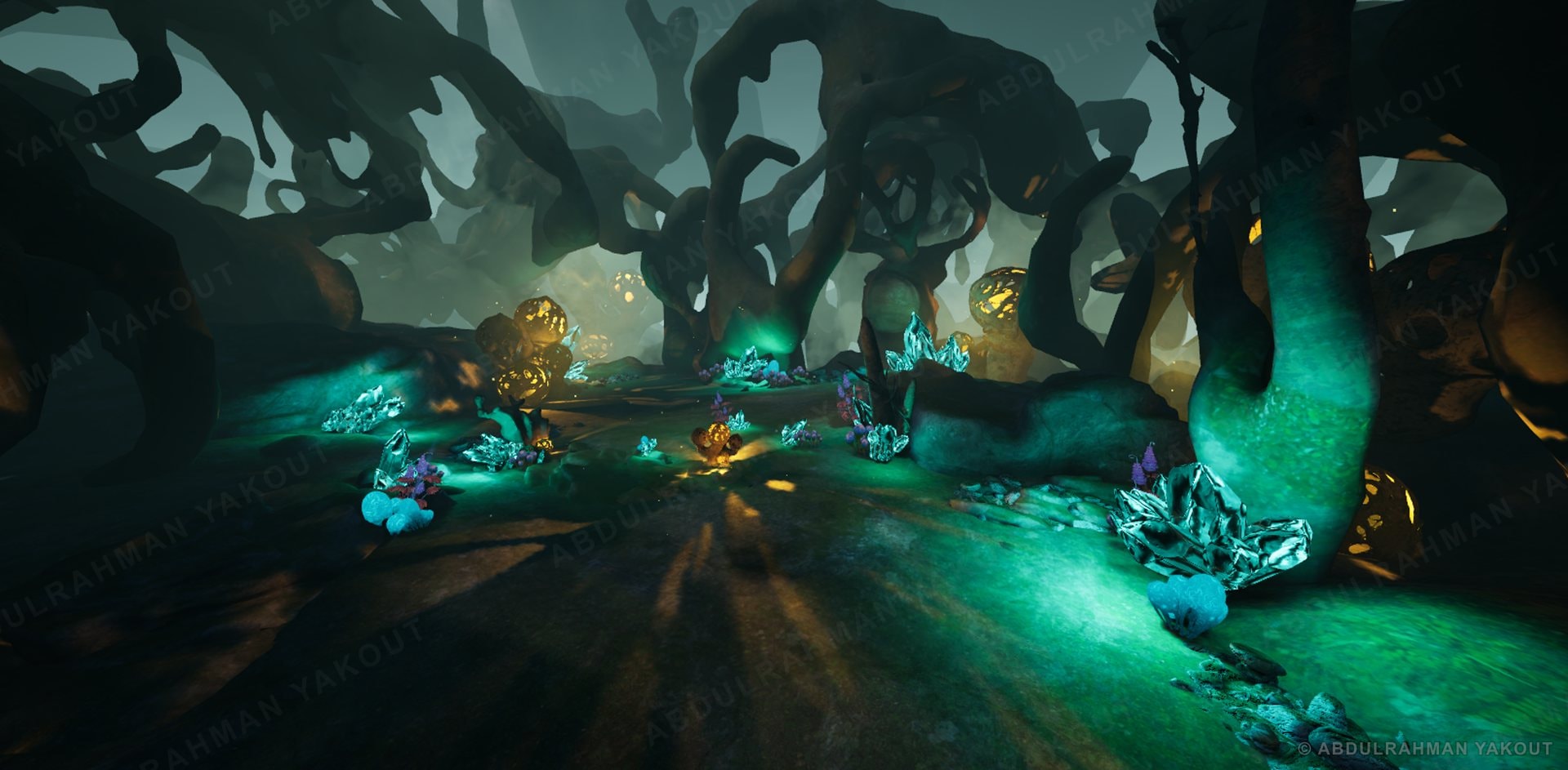
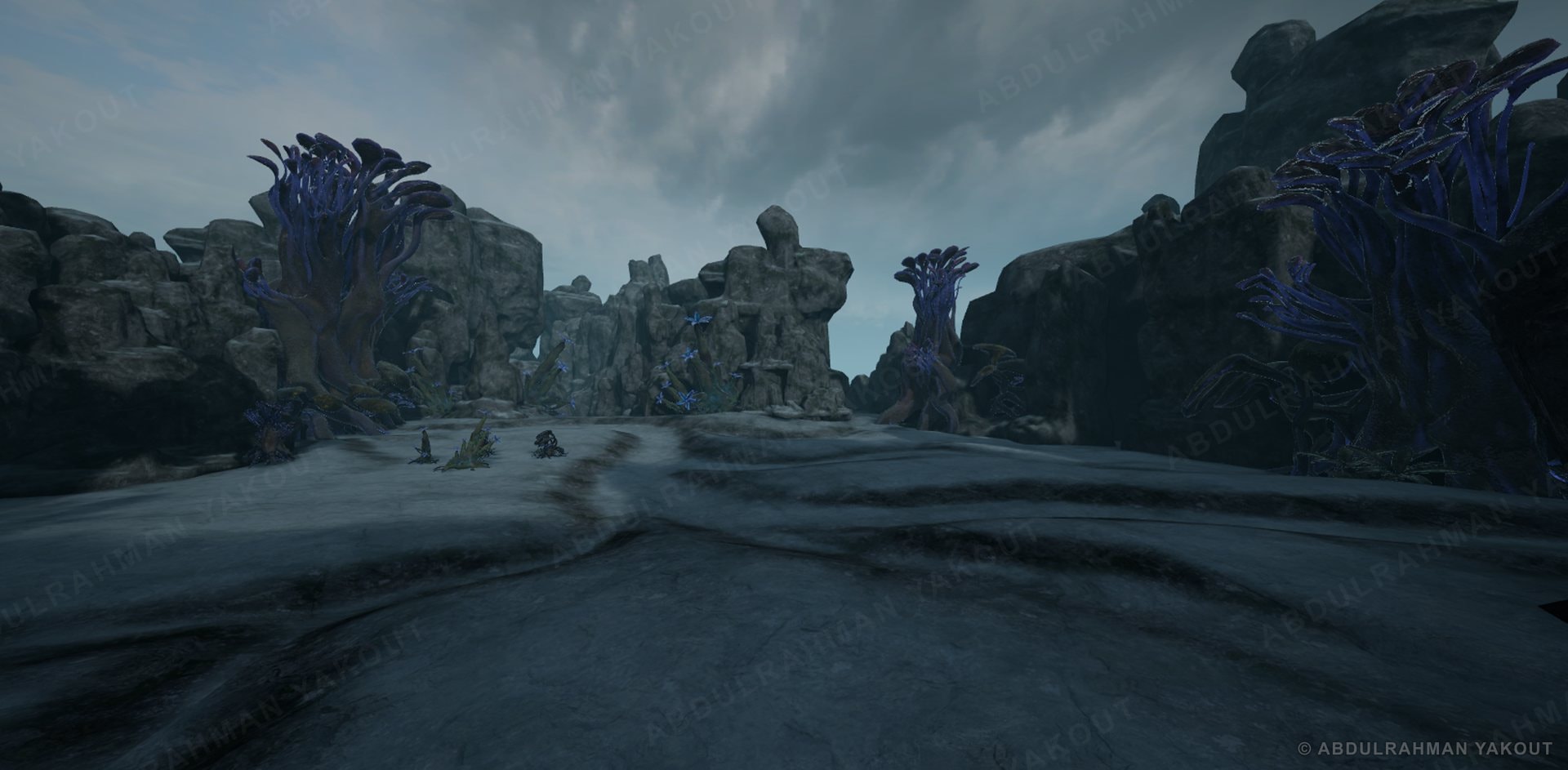
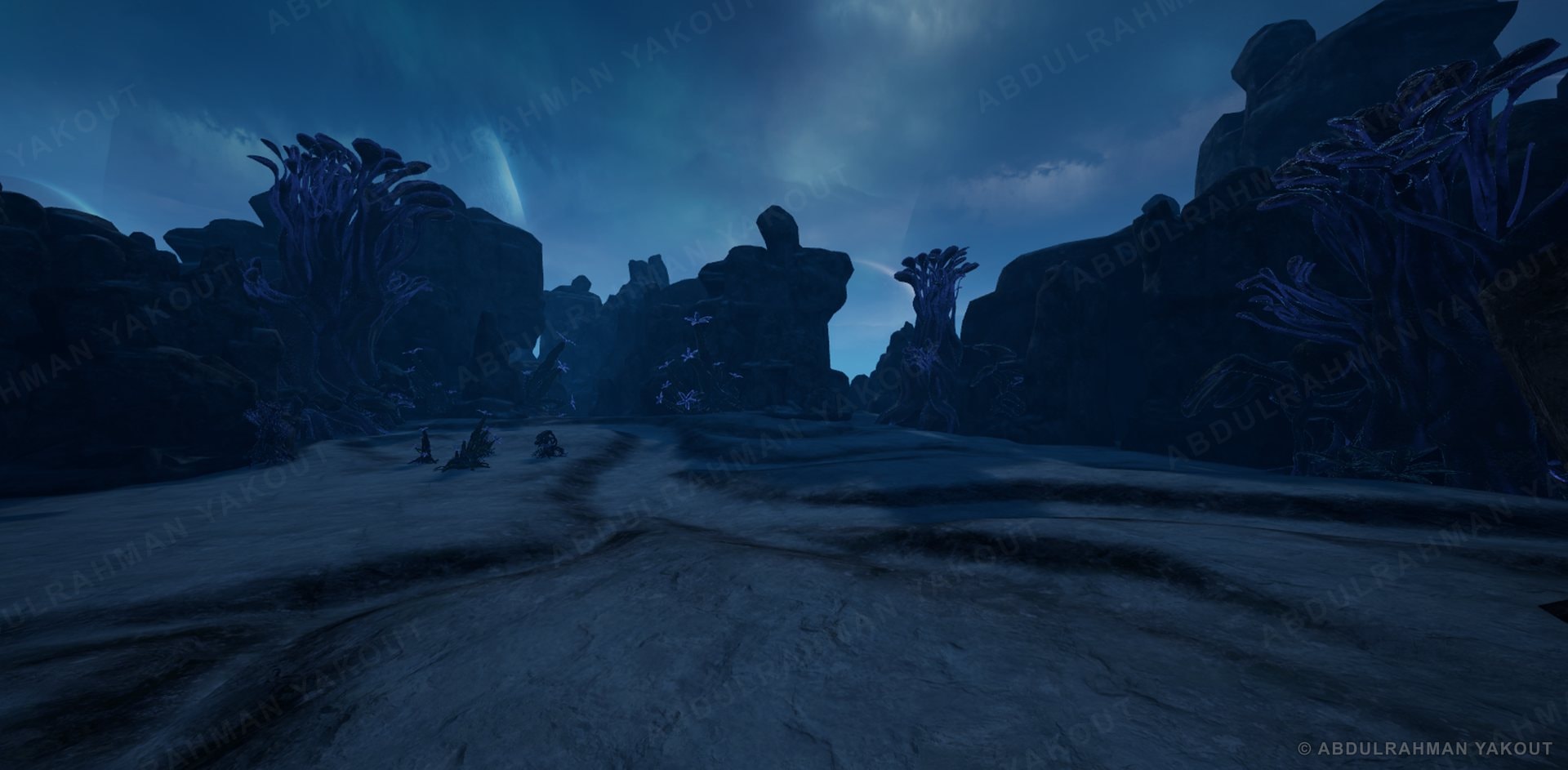
One hero prop alone was 1.8 million triangles, straight out of the cinematic build.
HEALER
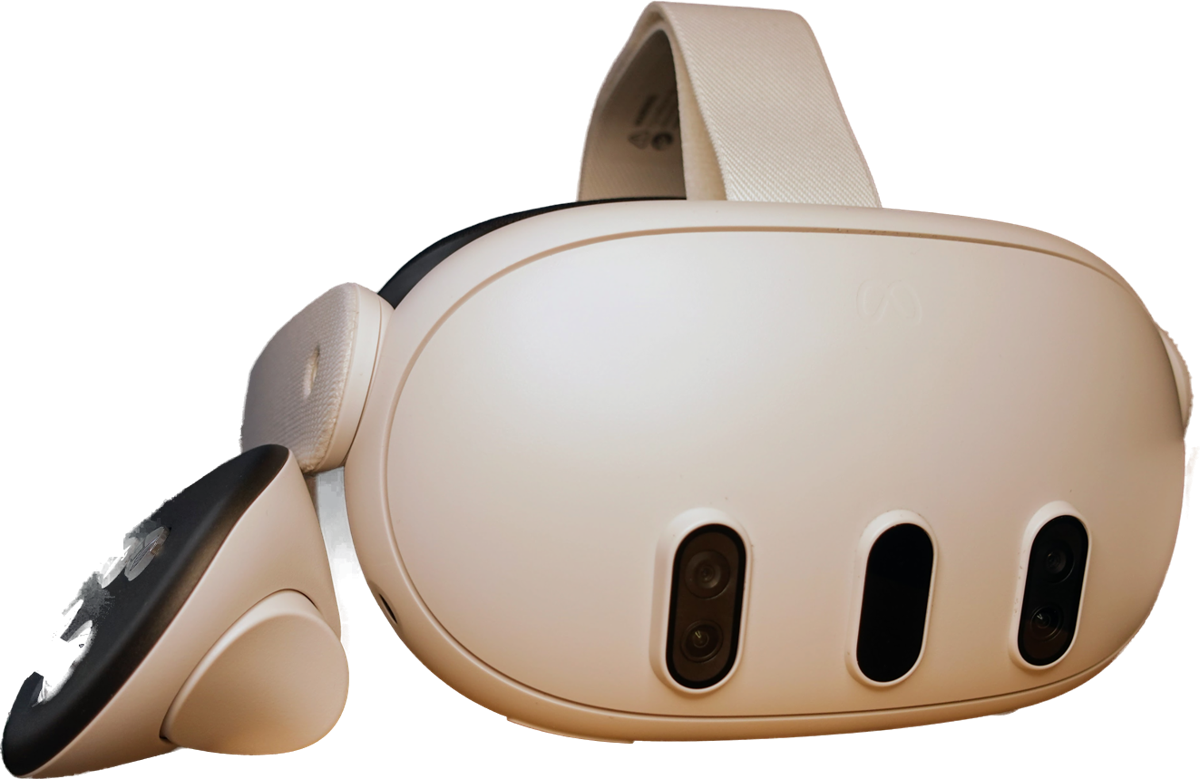
Converted a cinematic-quality environment into a playable level running at a stable 72 fps on Meta Quest.
The conversion covered geometry, materials and Blueprints, plus performance profiling to keep the frame-time graph stable.
Conclusion
Film-quality art, made light enough for VR
A repeatable pipeline, run on batches of about 20 assets: bake the detail into textures, pack the maps, blend two materials.
About 20 thousand triangles per prop, the detail kept, and a steady 72 fps on Meta Quest 3.
- 1 Geo pass
A clean low poly and UVs for every asset in the batch.
- 2 Normal bake
High to low: the detail is baked into a normal map.
- 3 Texture bake
Edge, AO and slope masks baked from the high poly.
- 4 RGB packing
The 3 masks share one texture: R edge, G AO, B slope.
- 5 Atlas 4 × 4
16 packed masks (and their normals) go into one 2K atlas.
- 6 Material
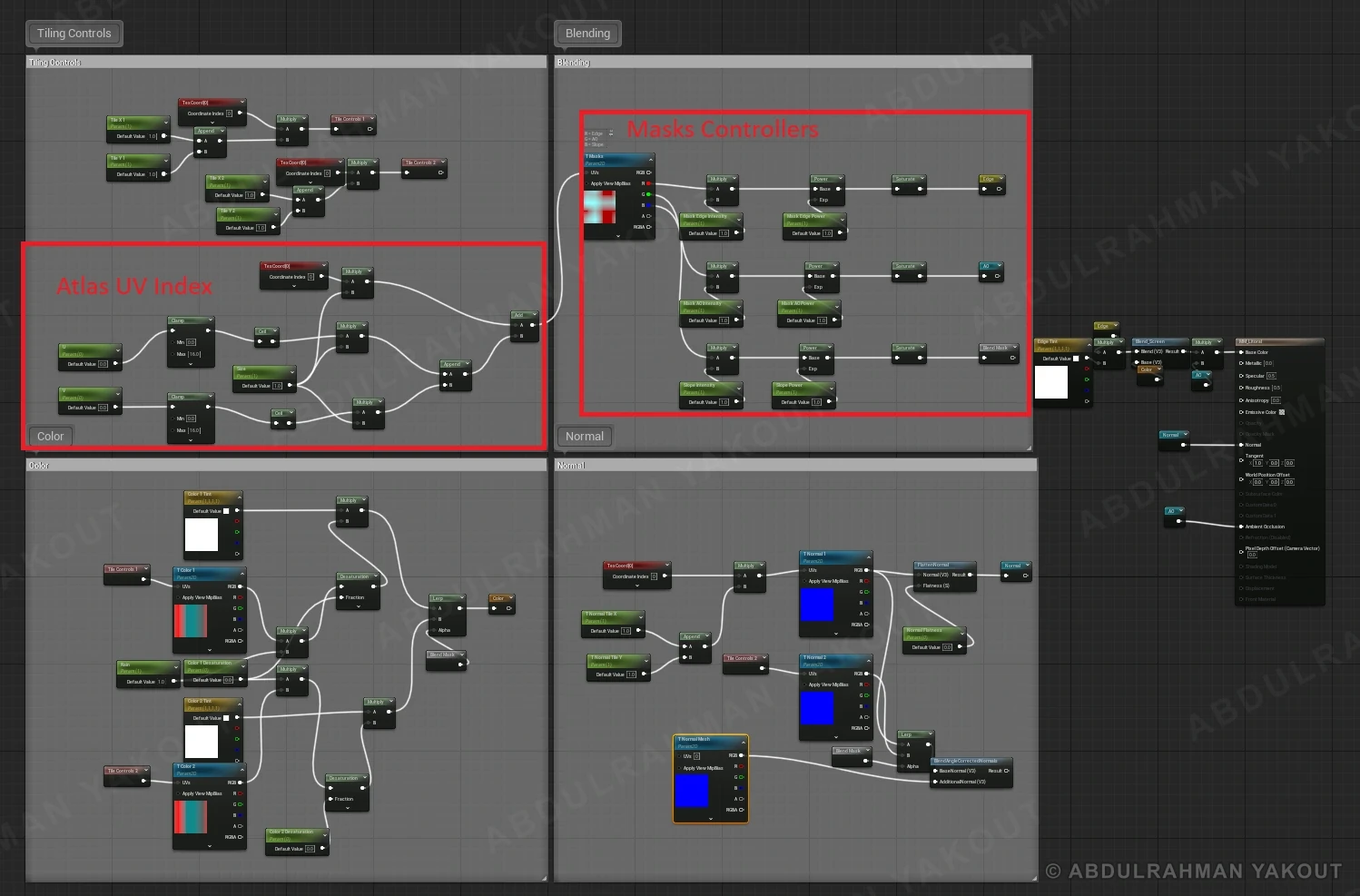
Two materials, a main and a slope one, blended by the masks.
- 7 Check
Instruction counts and fps on Quest, then the next batch.
Built to repeat, and to run on a whole library
Effective
- −98.8% triangles on the hero prop (1.8M to 20.9K)
- 3 → 1 masks packed into one RGB texture
- 16 → 1 mask textures merged into one 2K atlas
- 2 materials, main + slope, blended by the masks
- 72 fps steady on Meta Quest 3
Runs on the full library
- Littoral
- Ice
- Forest
- Wasteland
About 20 assets per environment, and every environment uses the same pipeline.
Works on any asset type
- Rocks & cliffs
- Crystals
- Plants
- Roots & trees
- Organic props
The steps don't depend on what the asset is. Only the maps change.
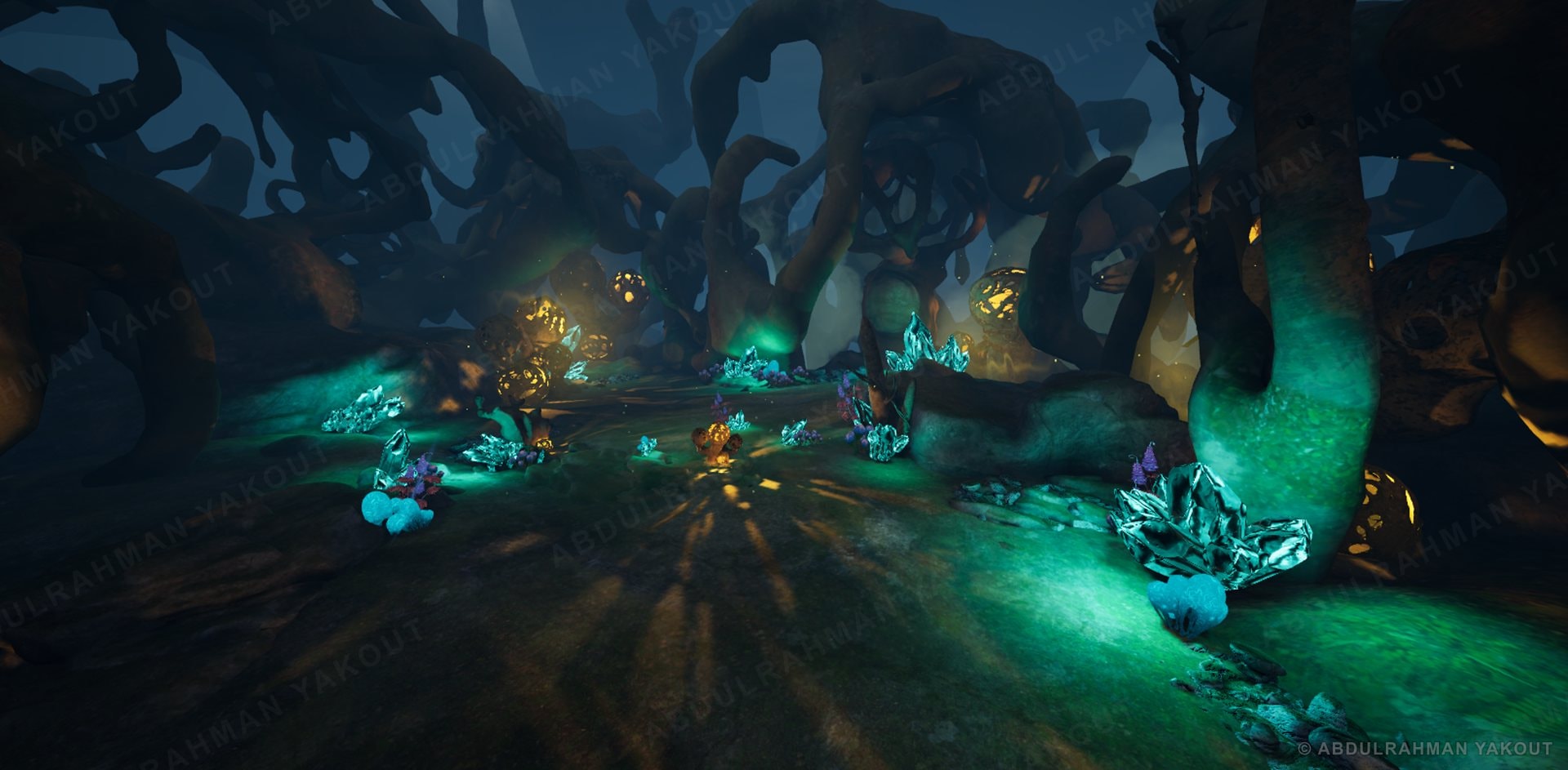
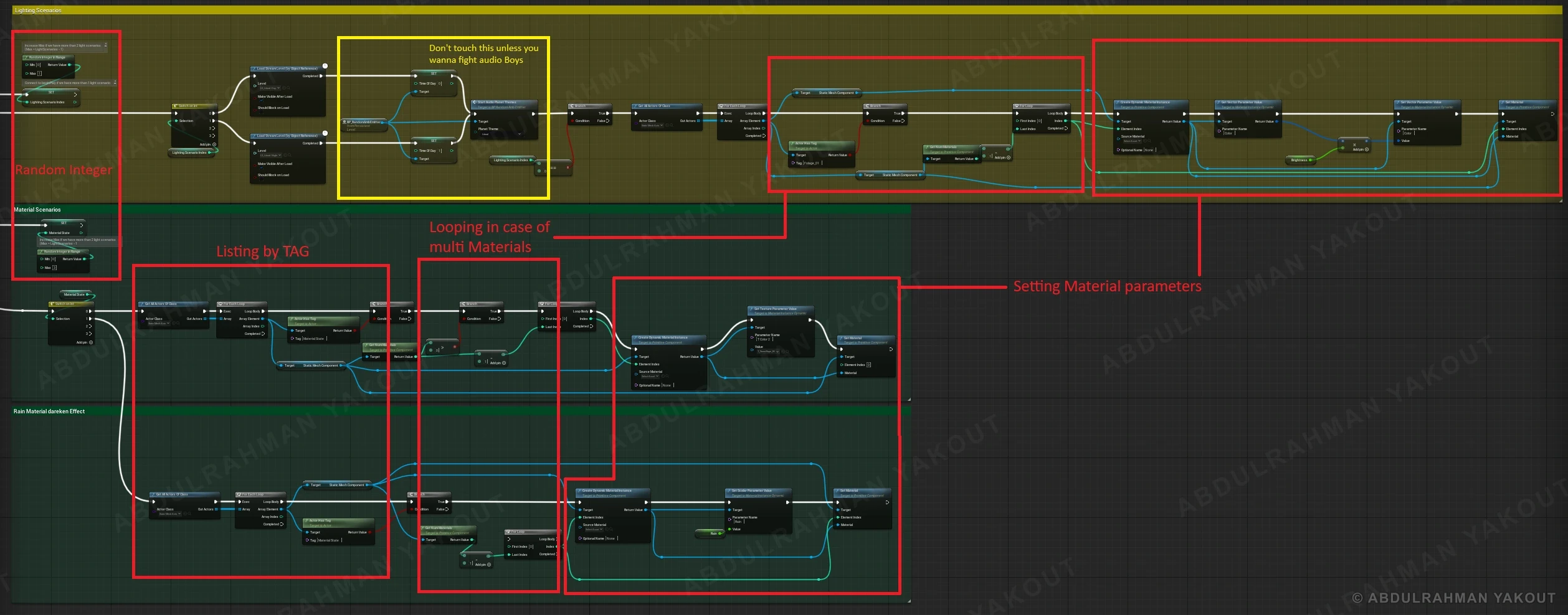
One Blueprint, four looks, every visit different
The same level had to read as four different moods, without a separate build for each one.
A Level Blueprint that rolls a lighting scenario and a weather state each time the player enters, finds the right actors by tag and sets their material parameters.
The same assets read as day, night, snowy day or snowy night, so the player feels the variation.
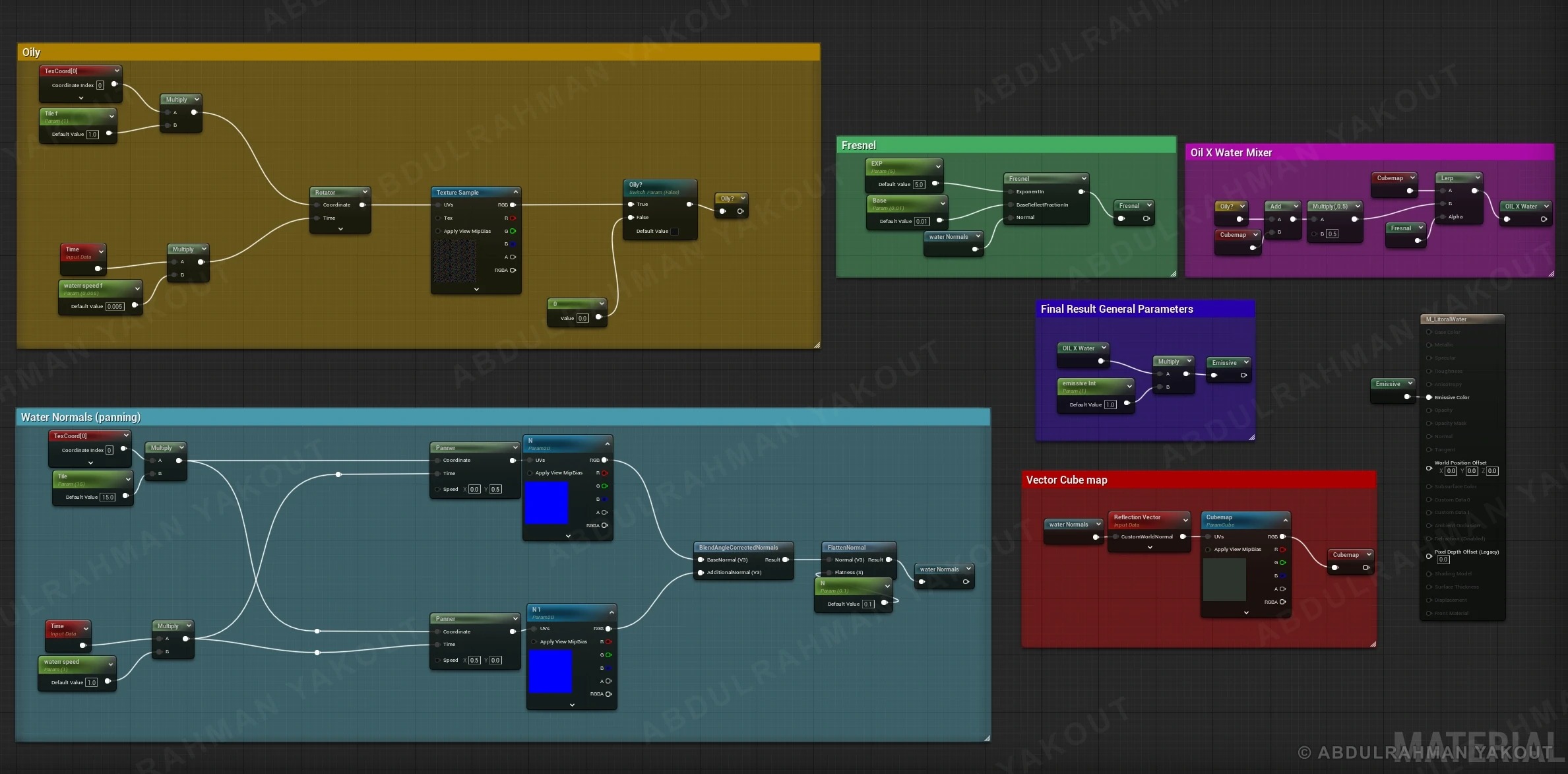
A convincing water surface for under 100 instructions
Moving surface detail, a reflection and a sheen, on a headset with very little shader budget.
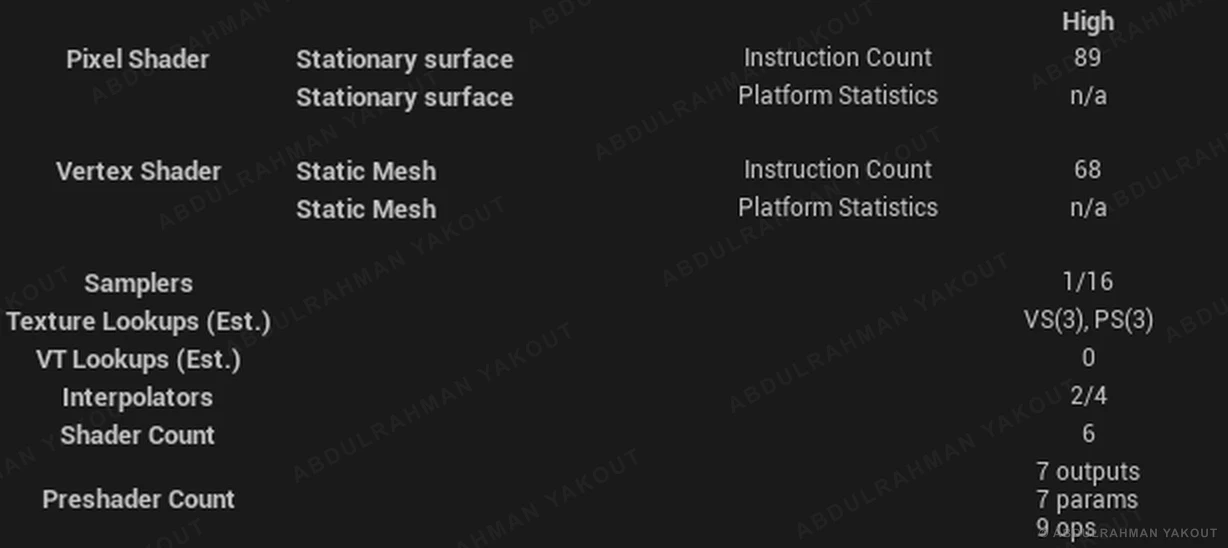
One water material: two panning normal maps, a fresnel, a cubemap reflection and an oil layer mixed in, all exposed as parameters. It is unlit and emissive, so it renders in a single pass.
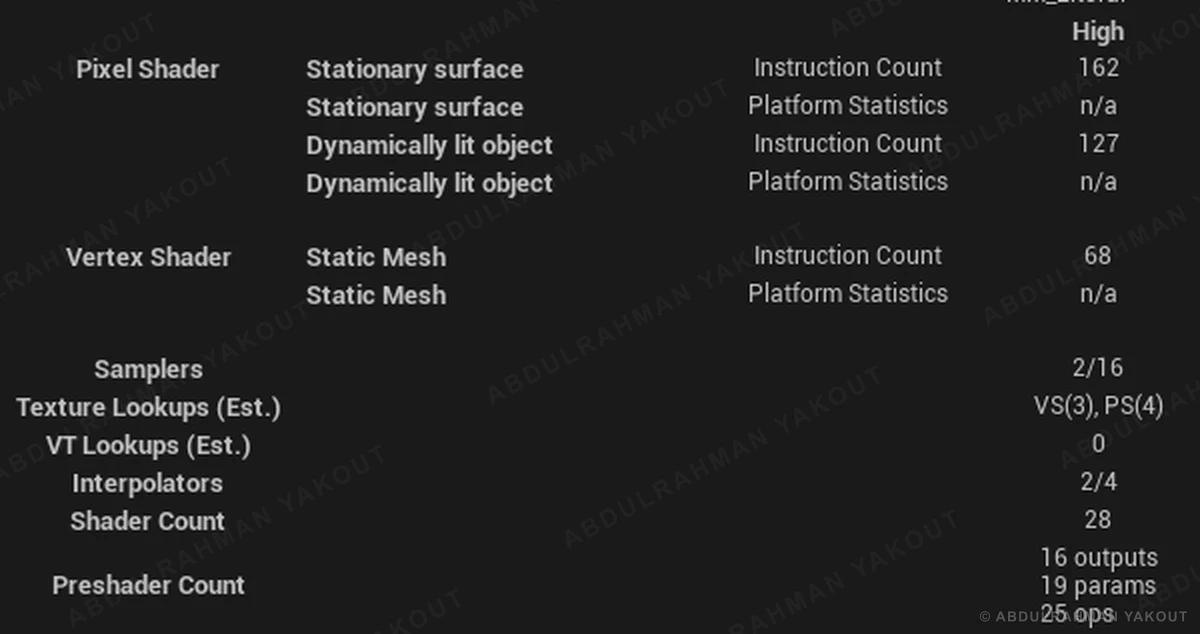
It renders in 89 pixel-shader instructions with a single sampler, and the look can be tuned without touching the graph.
Fix what the profiler proves, then prove it again
Spawning the orb pulled the frame rate down from the 72 fps target to 62.
Profile, diagnose, fix, then profile again — frame time first, then the rest of the graphs.
The orb's material, unlit and emissive in a single render pass, dropped from 254 to 95 instructions and from 4 samplers to 1, and the headset holds 72 fps.
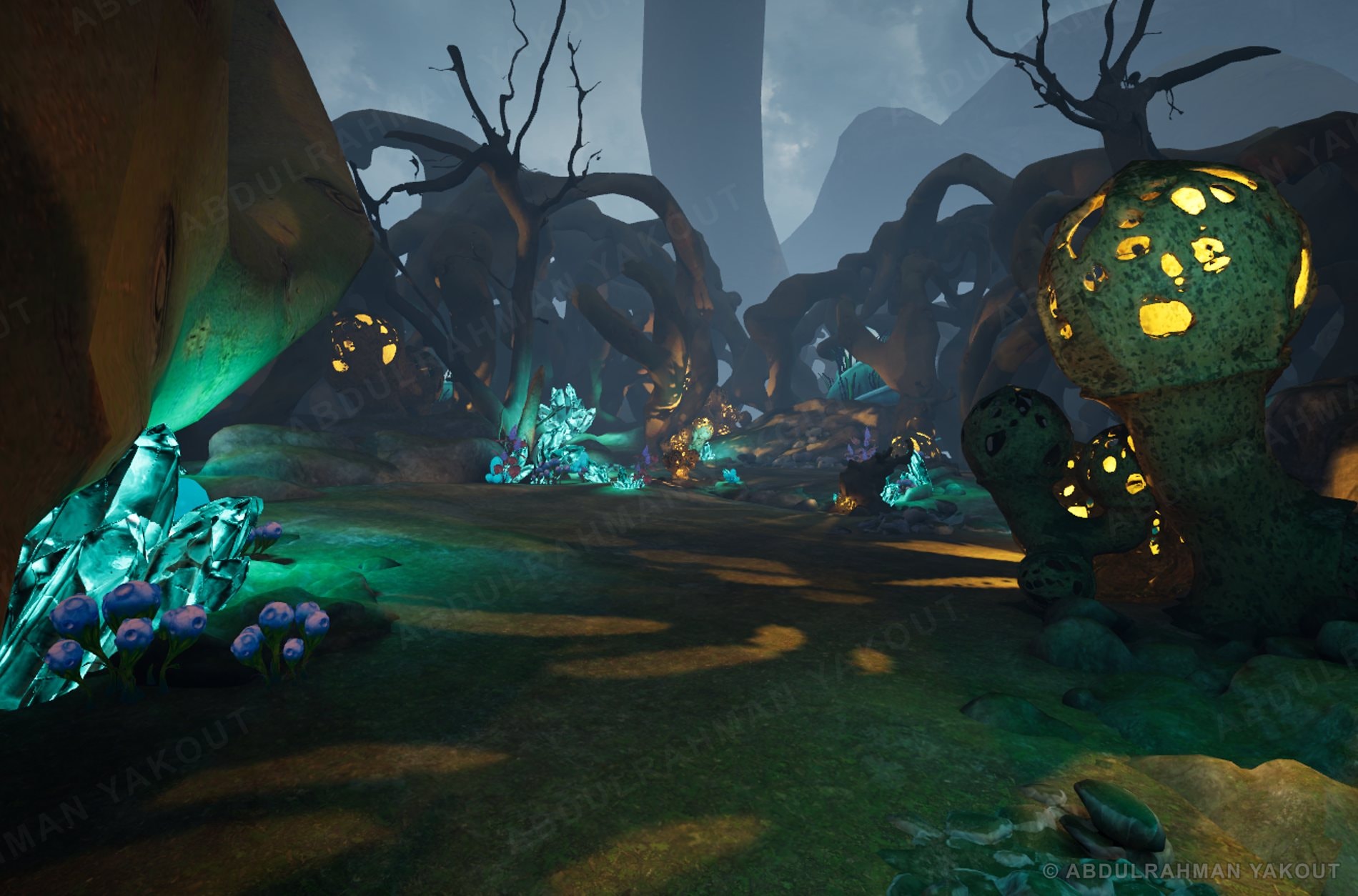
One pipeline, four different worlds
One good level doesn't prove the pipeline holds up somewhere else.
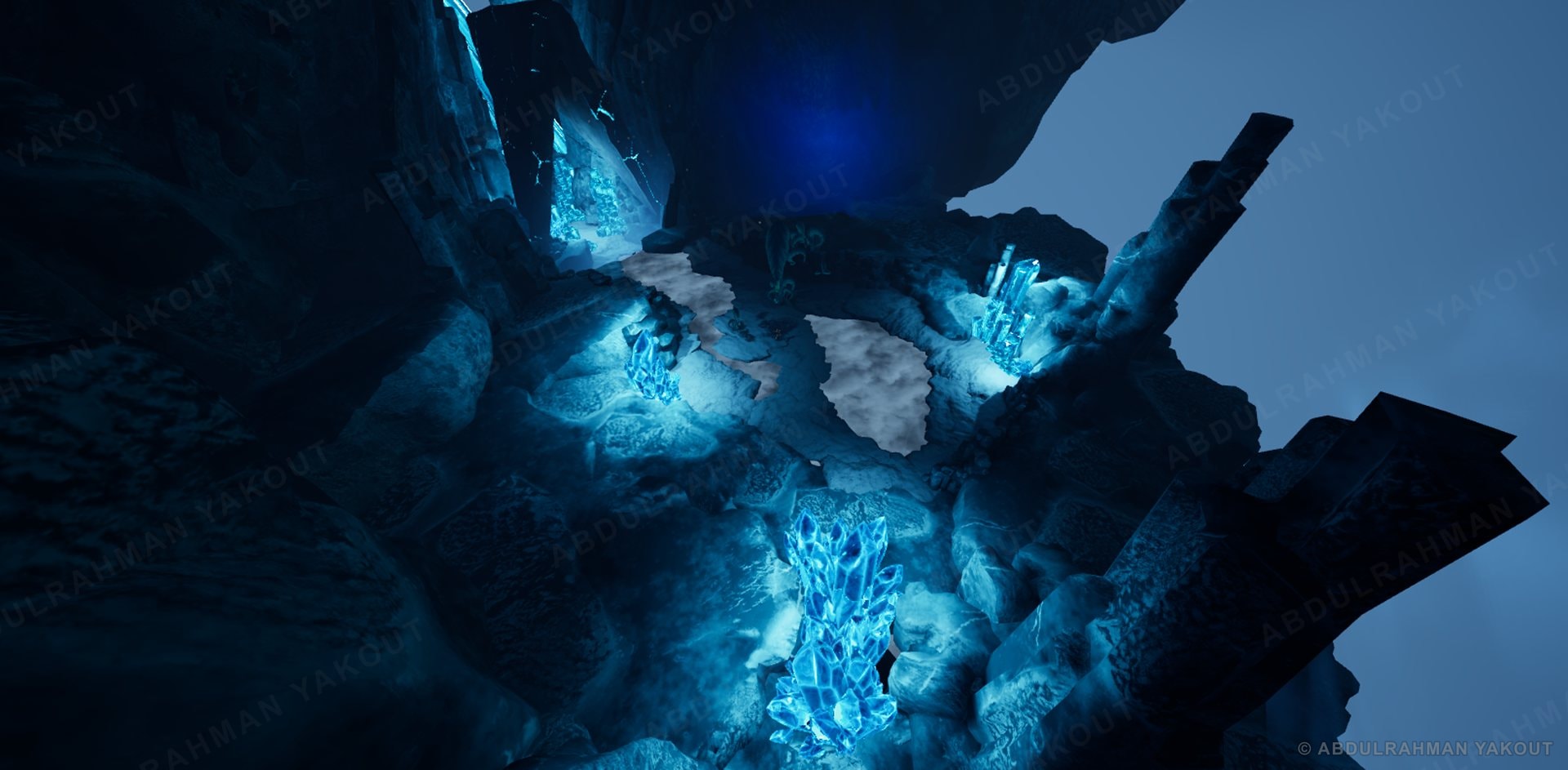
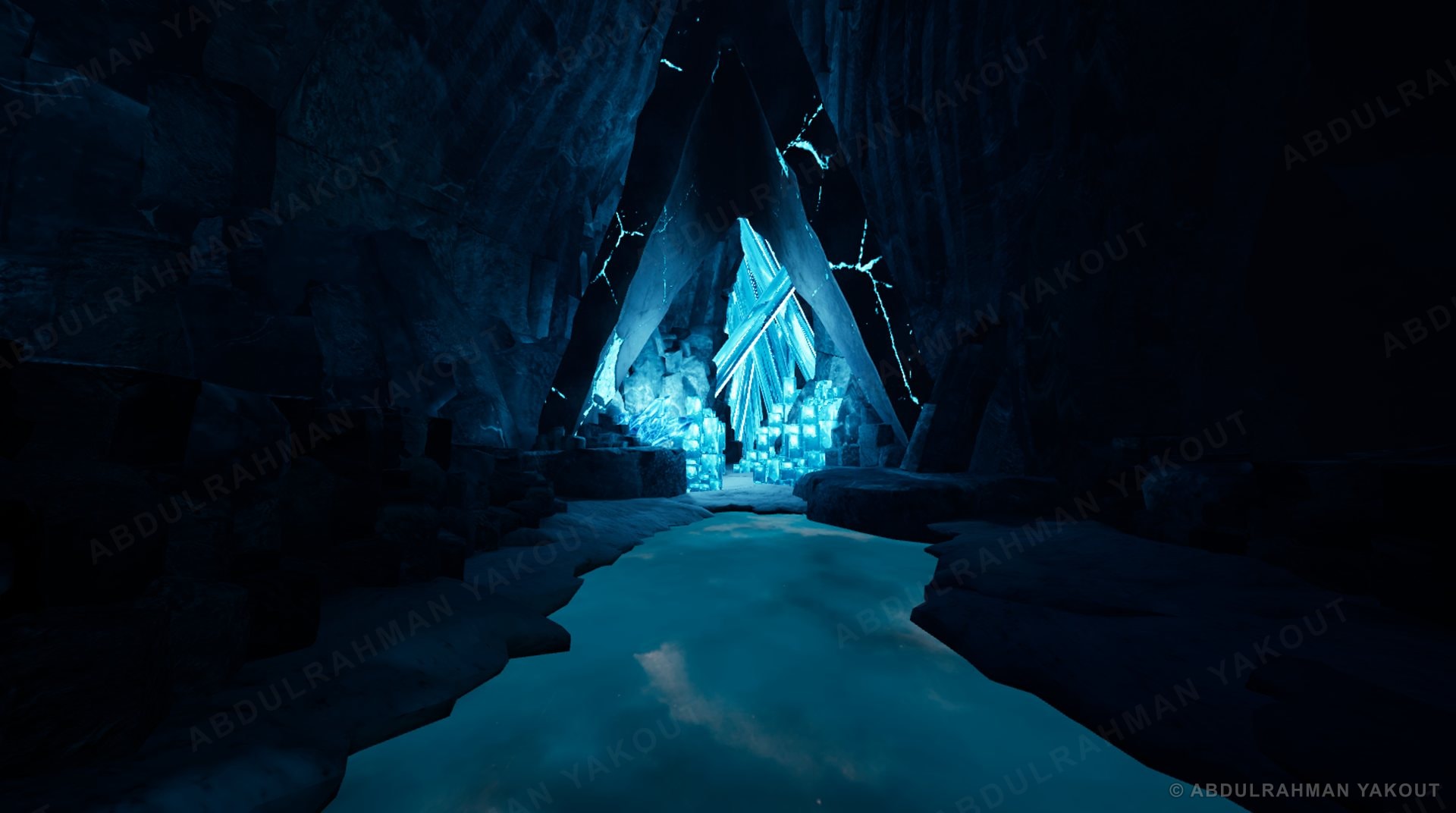
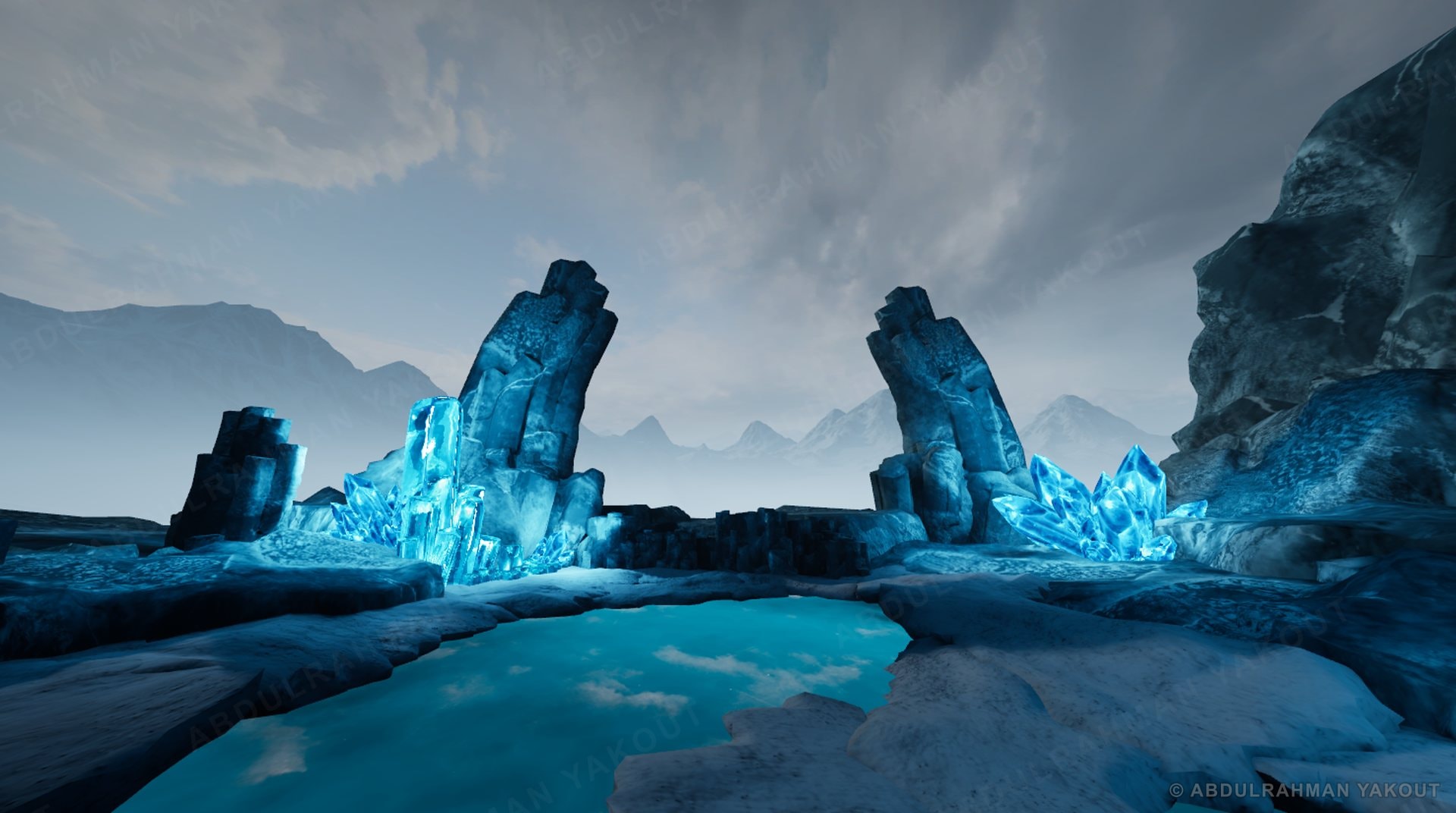
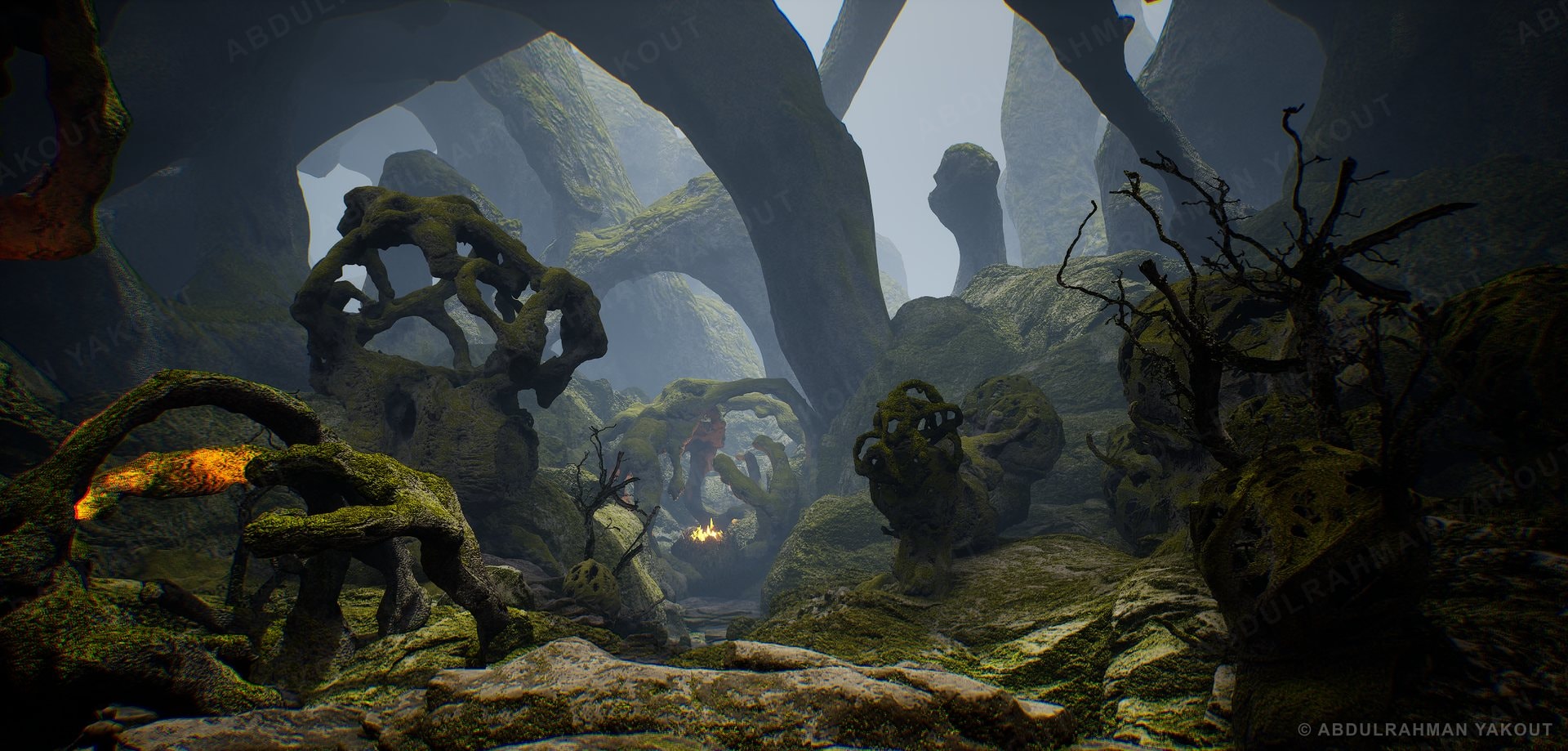
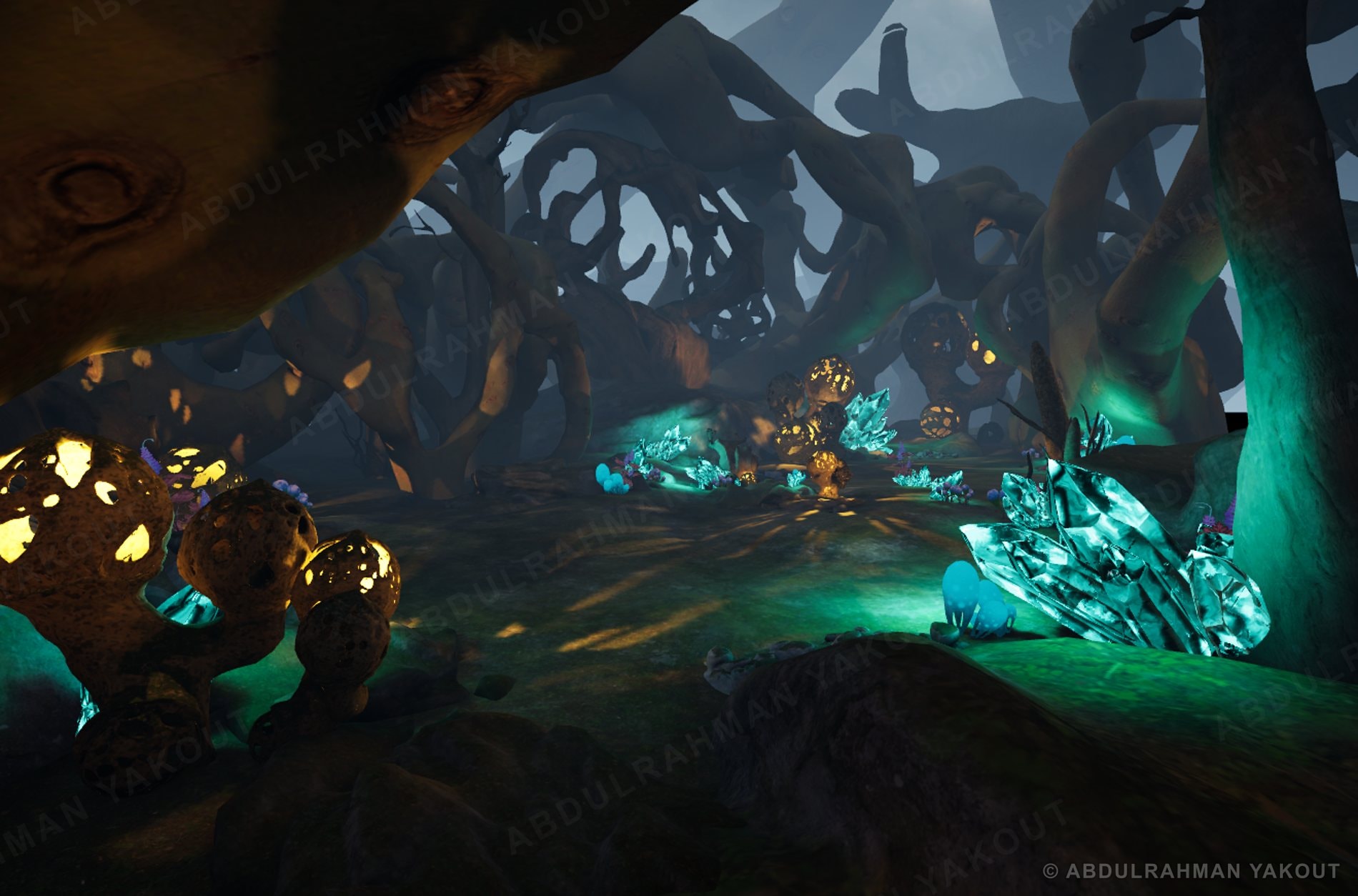
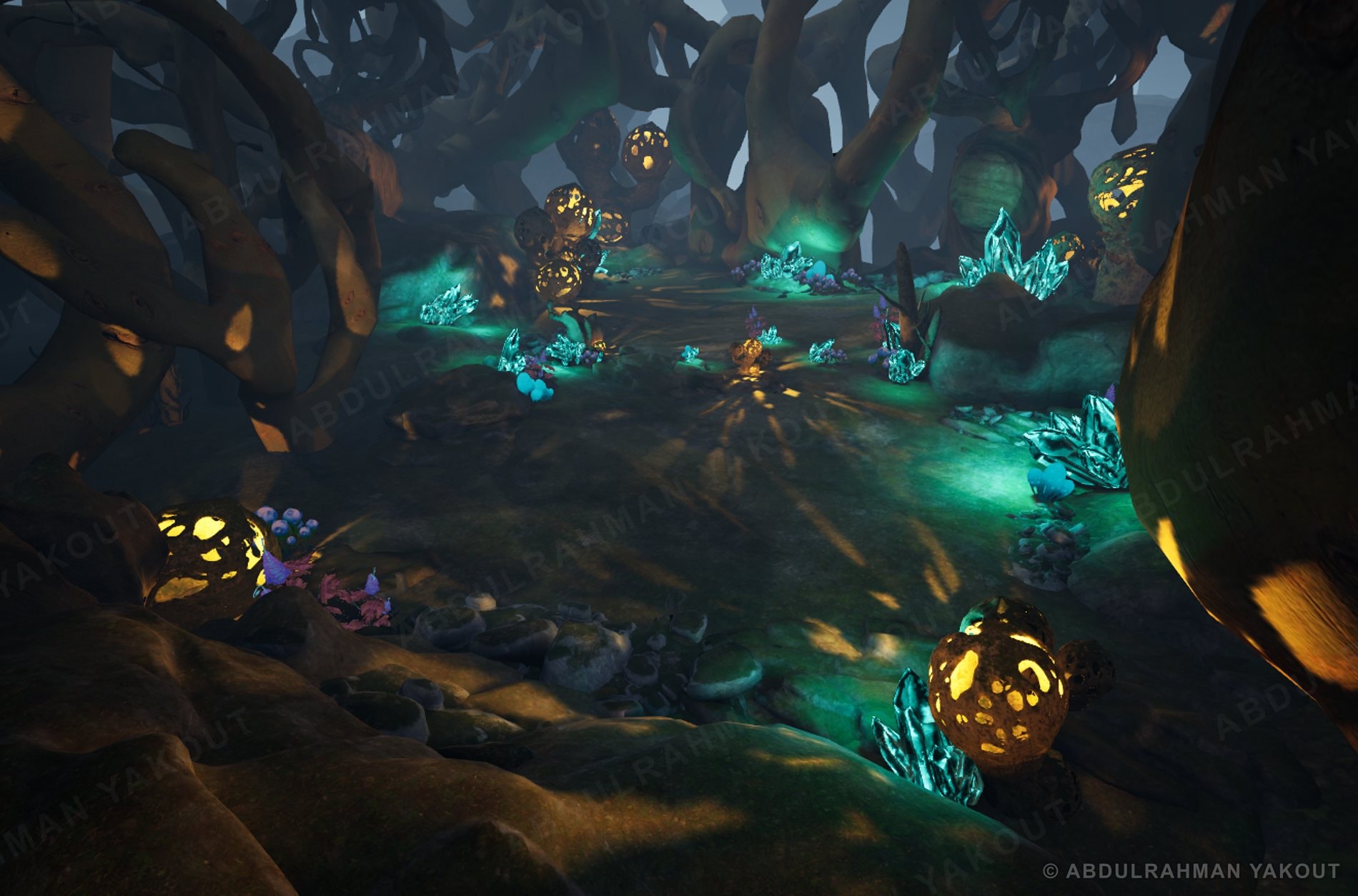
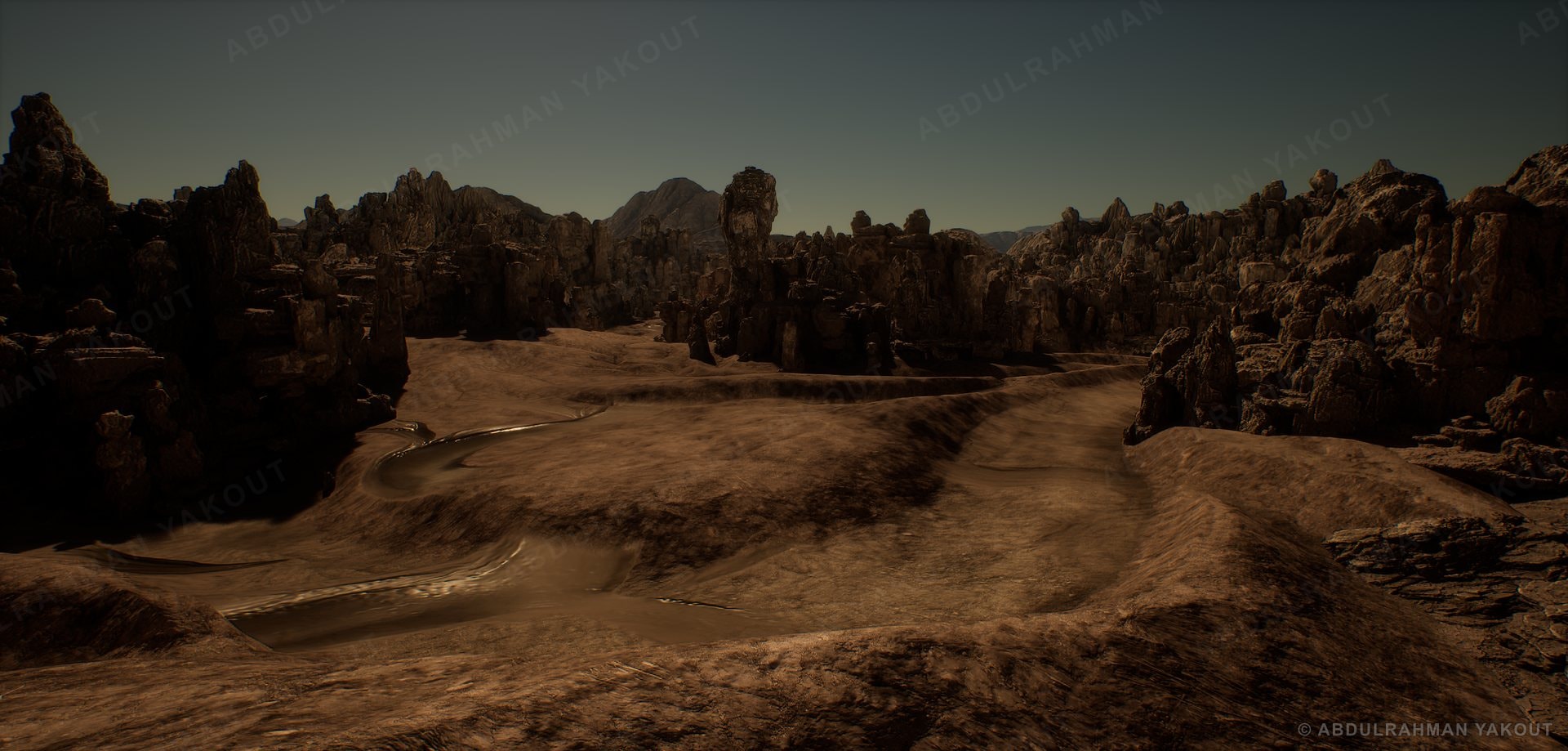
The same asset workflow, material logic and Blueprint drive Littoral, Ice, Forest and Wasteland.
Four environments of about 20 assets each, each with its own lighting, from cinematic to snowy night.
Asset Optimization Cycle
The low poly's UVs receive the high poly's detail as a tangent-space normal map.
Each mask is bright where it matters and dark elsewhere. Packed together next, in Texture Packing & Atlasing.
Each mask lives in its own channel, so three maps cost one texture sample. Sixteen of these packed textures then become one atlas.
The atlas stays 2K. A 4 × 4 layout gives 512 px tiles; switch to 2 × 2 and each tile becomes 1K, so an asset gets a 1K mask and a 1K normal.
Level BP
Material Creation
Performance Profiling
Performance is an orchestra, not one graph.
To know what to look at in a profiler, I had to learn how a frame is actually made. This mini book is what I wrote while researching it.
- 1Learning path
- 2CPU-level micro-operations
- 3CPU–GPU connection
- 4GPU-level micro-operations
- 5Frame creation: CPU role
- 6Frame creation: GPU role
- 7Lighting techniques and Unreal Engine 5
- 8Advanced deferred rendering
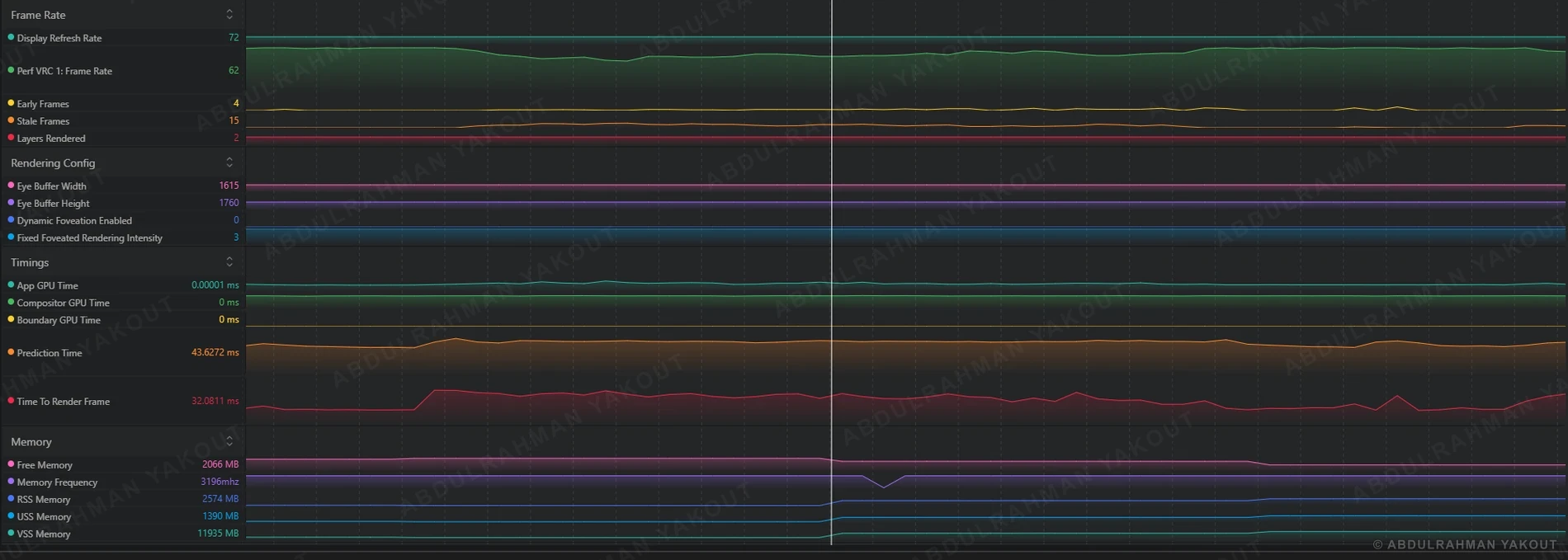
- The headset targets 72 fps, about 13.9 ms per frame.
- When the orb spawns, the frame rate falls to 62 fps.
- Frame time tells you that there is a problem, not why.
- The other charts explain the cause.
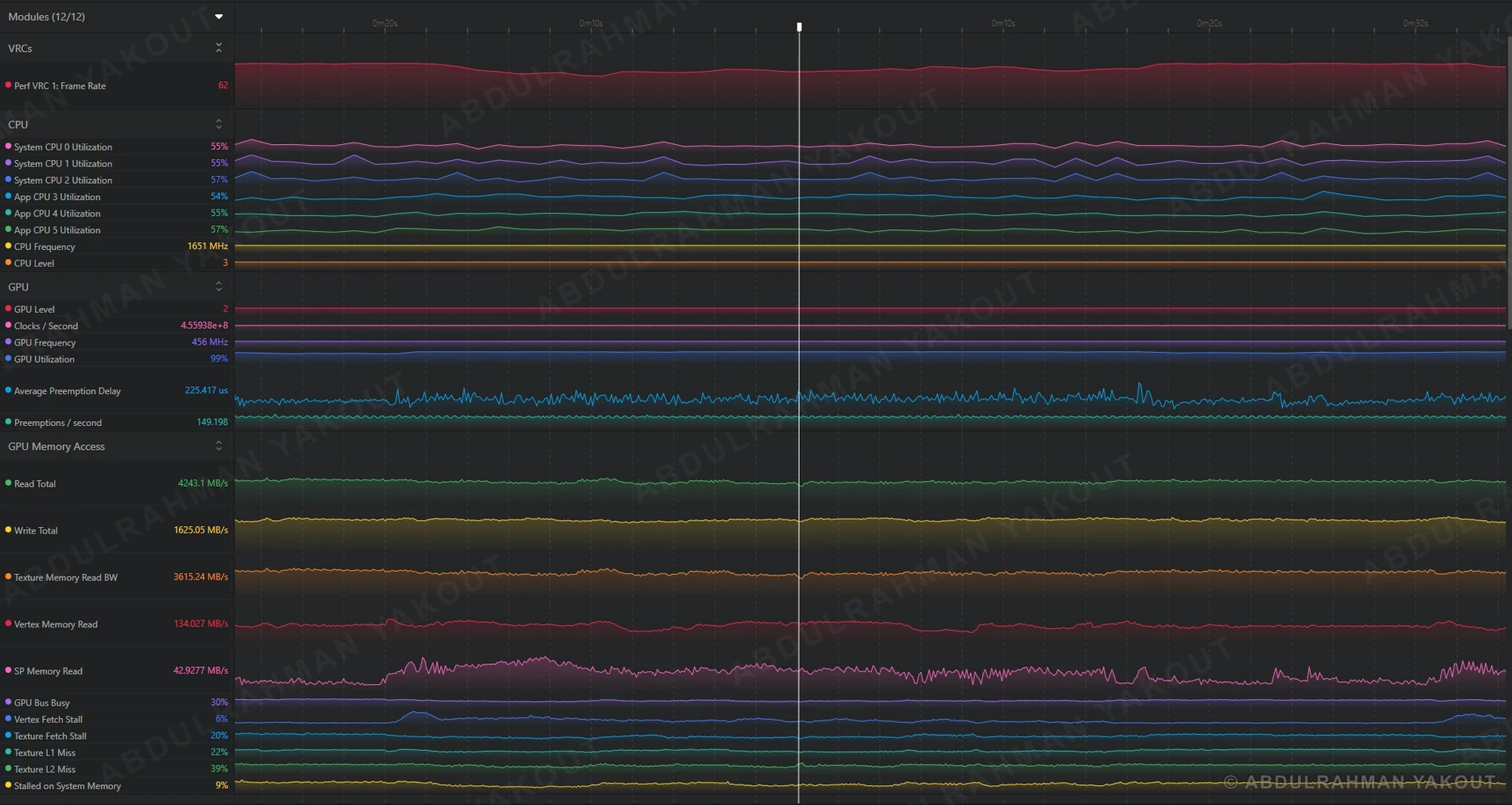
- GPU utilization is at 99%, so the GPU is the bottleneck.
- SP Memory Read climbs while the orb spawns.
- SP is the Shader Processor: the cores that run the shaders.
- SP Memory Read is the data those cores pull from memory while shading.
- It rises when a shader does more work: more instructions and more texture samplers.
So the spike points at the shader, and the shader belongs to the orb's material.
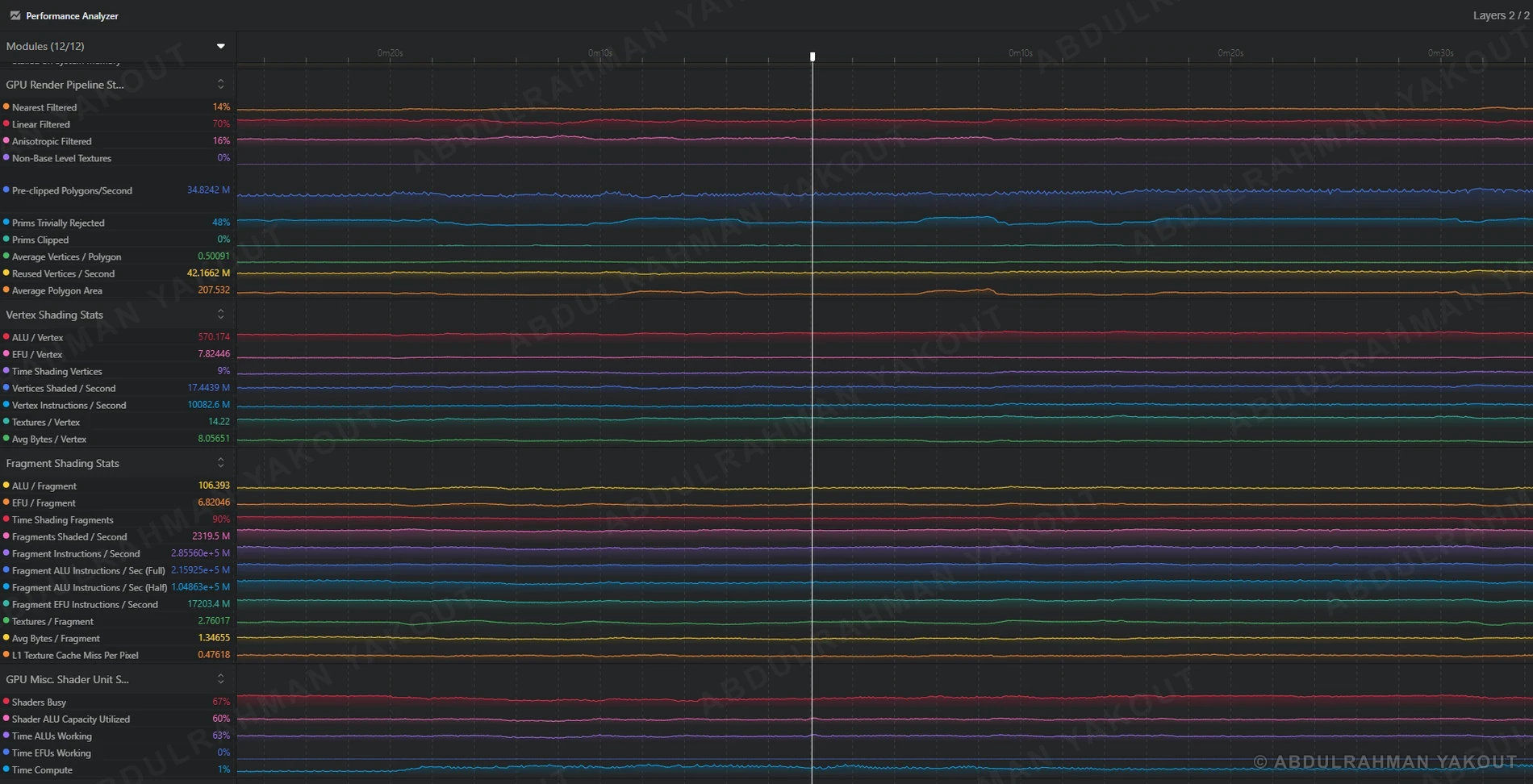
- 90% of the GPU's time goes to fragment shading.
- Each fragment costs about 106 ALU operations and 2.8 texture reads.
- No single chart is the answer. Performance is an orchestra.
- Read frame time, then the rest of the graphs together.
Verdict: the orb's material is the suspect, so that is what gets fixed.
Same orb, a much leaner material. The next step proves it.